Photobox: A Small Tool for Everyday Image Tasks
I often need to make a few quick changes to an image: compress a photo before sharing it, crop a screenshot, or resize several pictures for a blog post. These are small tasks, but repeating them across different tools gets tedious.
So I built Photobox, a browser-based image toolbox in my FloatMaze project. It started with a simple goal: make my own everyday image processing more convenient.
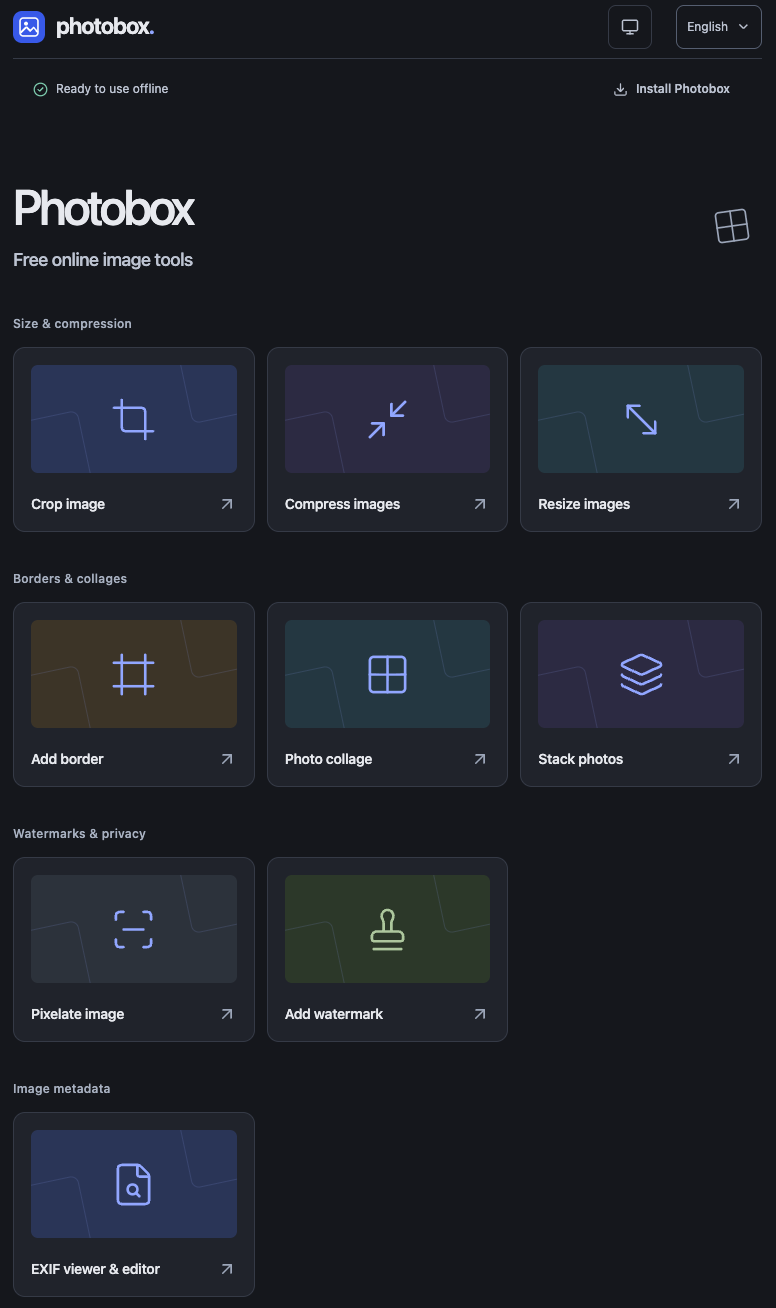
The small jobs I keep coming back to
Compression and cropping are the main reasons I reach for it. I can adjust JPEG or WebP quality, try a target file size, or crop an image freely or to a specific aspect ratio. There is also a resize tool for when I need particular dimensions.
Everything is processed locally in the browser. The images do not need to be uploaded to a server for editing, which makes it useful for personal photos and screenshots too.
A few tools, one workflow
What makes Photobox especially useful to me is being able to connect these small operations. A result from one tool can go straight into another, without downloading it and opening it again between steps.
For example, I can crop a picture, pass it to the resize tool, and then compress the result before downloading it. For a set of photos, I can batch resize and compress them, then download the selected results as a ZIP. Cropping is done one image at a time, while tools such as resizing and compression can handle a batch.
This saves a lot of repetitive file handling when preparing several images together.
Available offline
After opening Photobox online once and waiting for offline preparation to finish, I can use it without an internet connection. It can also be installed as a web app in supported browsers.
Offline availability does not mean unfinished edits are saved: I still need to download my results before closing or reloading the app.
Photobox is a small personal project built around tasks I actually need. If you have a few images to prepare, give it a try.